Free Medical Billing Software: A Guide for Growing Practices

Running a small practice often feels like a balancing act between providing great care and keeping the lights on. Many independent providers seek free medical billing software to stop revenue leaks or launch a new clinic without high upfront costs.
However, the real goal shouldn’t be just finding a tool that costs nothing. You need a solution that provides an affordable entry point for billing now while letting you unlock additional clinical features later, without a costly data migration, via a modular software architecture.
In this guide, we’ll explore the idea of free medical billing software and potential solutions your practice might adopt:
- FAQs About Affordable Medical Billing
- The Hidden Costs of “Free” Medical Billing Tools
- Evaluating Affordable and Free-Trial Billing Providers
- Why Modular Software Beats “Free” Tools
FAQs About Affordable Medical Billing
What is free medical billing software?
Free medical billing software refers to affordable solutions that healthcare providers use to manage patient invoicing, submit insurance claims, track payments, and handle medical coding. This type of software helps practices streamline their revenue cycles and reduce the administrative burden of manual billing without high upfront platform costs.
What features do free medical billing software solutions provide?
Free medical software solutions provide features like:
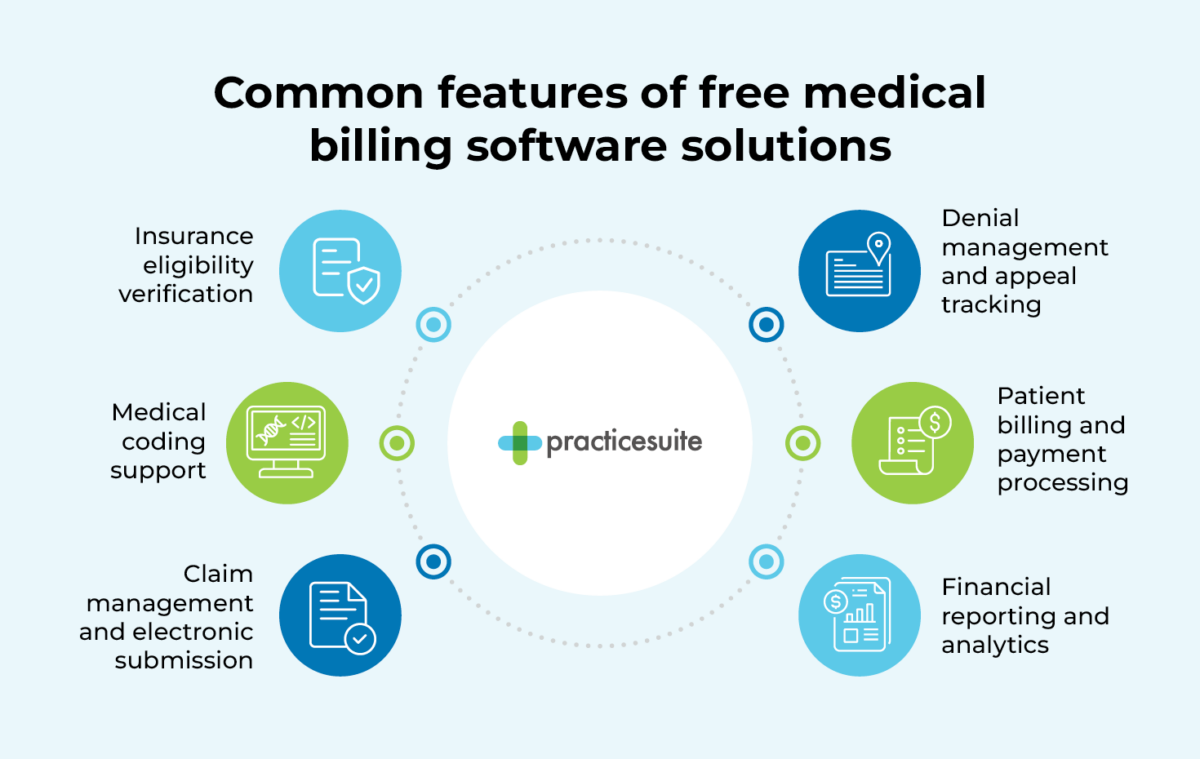
- Insurance eligibility verification
- Medical coding support
- Claim management and electronic submission
- Denial management and appeal tracking
- Patient billing and payment processing
- Financial reporting and analytics
Not all free medical billing solutions offer all of these features, and the features free systems do provide may not be as robust as a paid solution. Before selecting a free option, make sure it has the capabilities to suit your practice’s needs.
To learn more about the capabilities of medical billing software, explore our guide to these solutions.
How hard is it to migrate data from a free medical billing software system?
Data migration from free medical billing software is often difficult and expensive because many free tools use proprietary formats that do not export easily to standard practice management or billing systems. As a result, you may need to enter data manually or pay significant integration costs.
Can independent practices use enterprise-level medical billing software?
Yes, independent practices can leverage enterprise-level software by choosing a provider with a modular pricing structure. This setup lets you access high-end claims management and denial tracking tools without paying for clinical modules you don’t yet need.
Is there truly free medical billing software for small practices?
Yes, free medical billing software exists, but it usually comes with significant strings attached that can limit your practice’s growth. Most “free” options are one of the following:
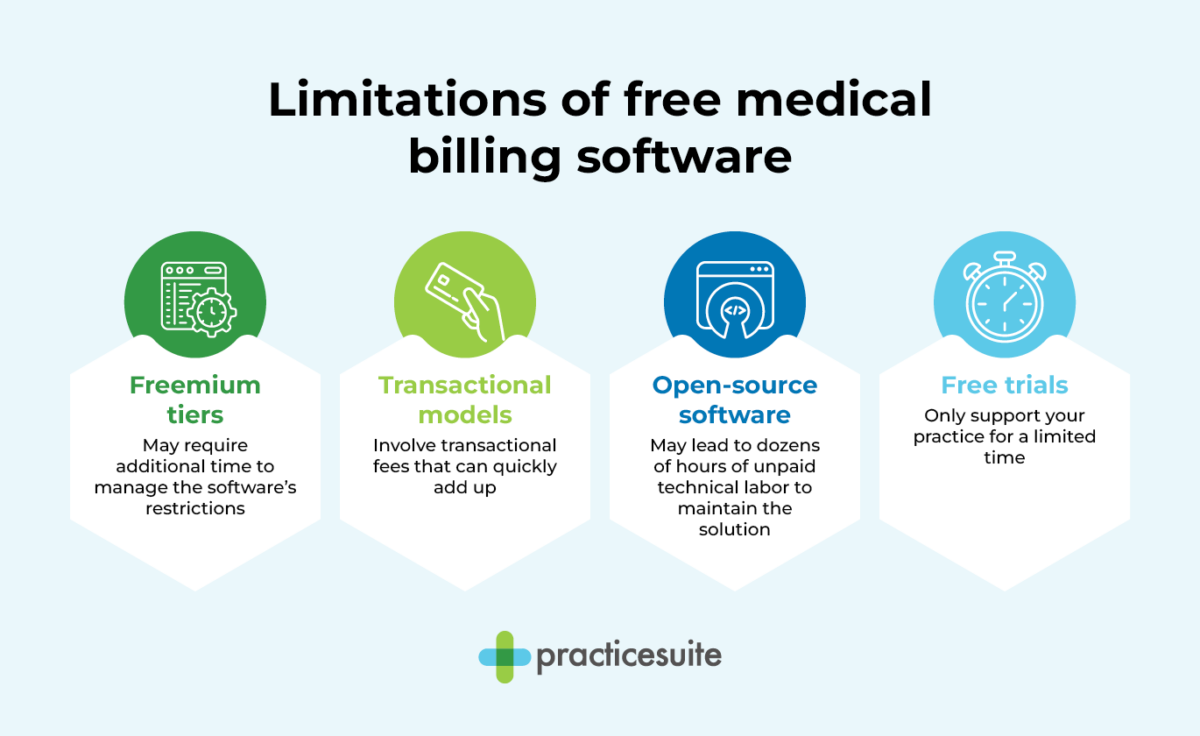
- Freemium tiers. Some providers offer a permanent free plan but limit the number of encounters, forcing you to upgrade to a paid plan once your practice grows. This type of solution may lead you to spend more time managing the software’s restrictions than actually following up on denied claims and securing revenue.
- Transactional models. Certain platforms offer medical billing software with no monthly base cost, but they apply transactional fees for clearinghouse activities or claim submissions. These fees can add up, making your total monthly cost less predictable or even higher than expected.
- Open-source software. Select providers make the code for their solutions free to download, requiring you to handle your own technical hosting and security compliance. This means you must find a HIPAA-compliant server, manage your own backups, and manually update the system whenever a payer changes its filing requirements, potentially leading to dozens of hours of unpaid technical labor.
- Free trials. Professional-grade systems often provide 30-day trials, allowing your organization to validate the workflow before committing to a subscription.
True financial health comes from finding a partner that offers a low-cost entry point into a professional system. You want a tool that handles the heavy lifting—like claim scrubbing features that check for errors before you hit “submit”—without charging you for a full suite of clinical tools you aren’t ready to use yet. This type of affordable offering keeps your overhead low while maintaining steady cash flow.
The Hidden Costs of “Free” Medical Billing Tools
While some medical billing solutions may seem “free,” there are often hidden costs associated with choosing these tools, including:
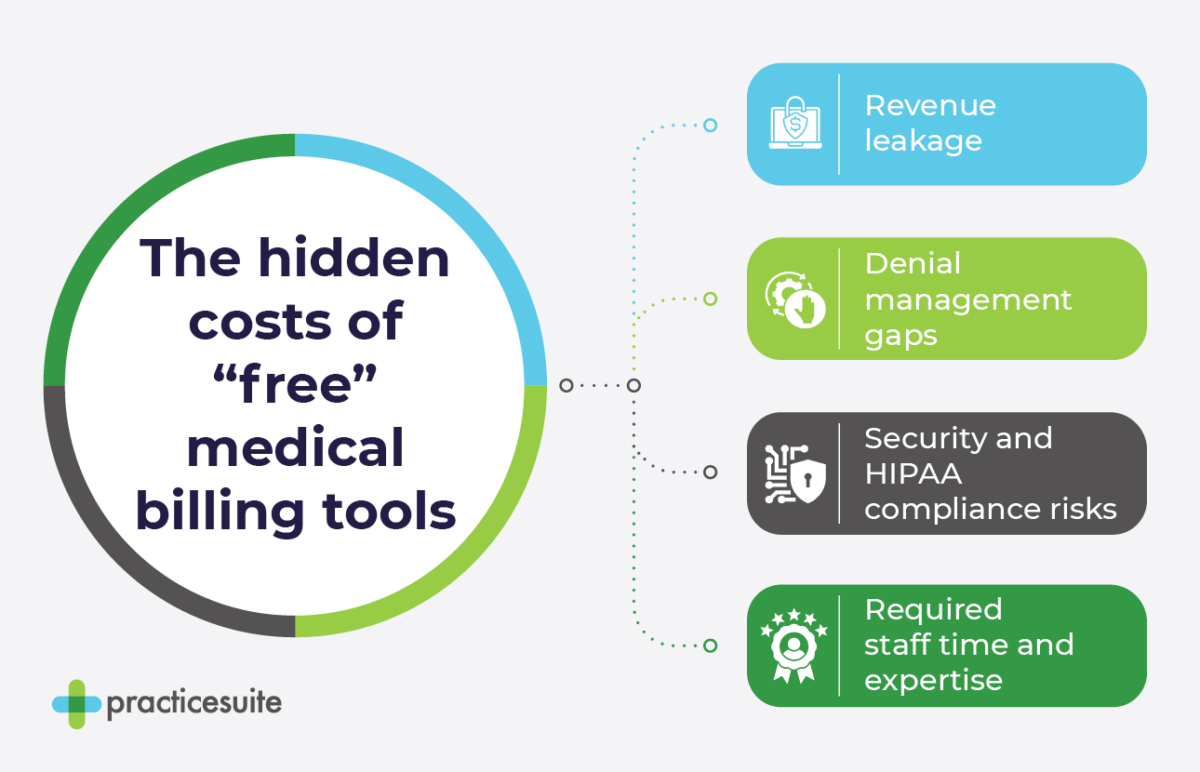
- Revenue leakage. Medical billing software that can’t fully streamline and track the billing process prevents your practice from having complete oversight of where that money is going, potentially leading to revenue leaks.
- Denial management gaps. In 2024, about 11.81% of medical insurance claims were denied. Free software often lacks the rules engines needed to spot coding errors before you send them to the payer.
- Security and HIPAA compliance risks. Free medical billing tools often skip the high-end encryption that keeps patient data safe. If a breach happens, you might need to enter a lawsuit, losing funds and patient trust in the process.
- Required staff time and expertise. Your team may have to spend extra hours manually configuring your free medical billing software, taking their time away from more critical activities like assisting patients. Additionally, they may not have the IT expertise required to set up these tools correctly, potentially prolonging the process and introducing errors. You may even need to hire a specialized staff member just to assist with your medical billing platform.
Evaluating Affordable and Free-Trial Billing Providers*
Now that you understand the risks of choosing an entirely free medical billing software, let’s explore some providers with affordable options.
PracticeSuite
PracticeSuite provides a comprehensive, cloud-based platform that grows alongside your organization. Unlike restrictive free tools, PracticeSuite offers an affordable, modular entry point that lets you pay only for the billing software you need today, while maintaining the ability to turn on EHR and practice management features instantly without a complex data migration.
Top Features
- Unified modular architecture: Activate clinical and front-office modules without performing a data migration.
- Centralized claims management: Handle rejections, denials, and payment posting across all clients on one unified dashboard, for over 160 billing specialties.
- Enterprise-grade reporting: Access 140 customizable financial reports and real-time key performance indicator (KPI) dashboards.
- Specialty integrations: Utilize built-in integrations with EHRs across 65+ clinical specialties.
- AI-driven capabilities: Use denial intelligence for pre-submission review and rules-based auto-posting with an adaptive post-adjudication machine.
Pros
Your data stays in one platform from your first patient to your hundredth location. This continuity saves thousands in long-term IT costs. PracticeSuite can support a wide range of clients from a single independent physician to high-volume central billing offices using Single Sign-On (SSO). No matter the size of your practice, you receive professional implementation and ongoing technical assistance that open-source tools cannot provide.
Cons
No significant drawbacks
PracticeSuite for medical billing companies
PracticeSuite is also a top choice for medical billing companies. These organizations manage hundreds of clients simultaneously and need enterprise-grade stability. The platform supports high-volume central billing offices, allowing billing professionals to switch between different practice accounts without logging in and out repeatedly.
Office Ally (PracticeMate)
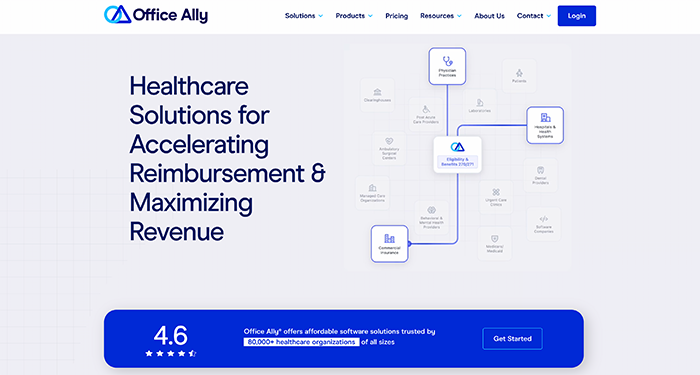
Office Ally is a widely recognized provider known for its Practice Mate tool. It offers a low-cost entry point for small practices by providing core practice management tools at a $0 monthly base rate, making it an accessible option for solo providers just starting their business.
Top Features
- Automated claim scrubbing: The system checks claims before submission to identify missing information, incorrect codes, or payer-specific conditions.
- Real-time eligibility verification: Confirm a patient’s insurance status and benefits immediately before providing service.
- Configurable superbills: Generate customizable billing documents and templates tailored to the specific needs of your clinical visits.
- Electronic Remittance Advice (ERA) auto-posting: Automatically post ERA data directly to your practice management system to eliminate manual payment posting errors.
Pros
The $0 monthly base rate is the biggest draw for budget-conscious clinics. It provides core practice management capabilities without an immediate financial commitment. Because this solution connects directly with Office Ally’s broader EDI clearinghouse tools, the initial setup for electronic claims is relatively straightforward for new users.
Cons
While the base Office Ally medical billing software is free, clearinghouse transactional fees and optional add-ons increase the overall monthly cost. For instance, users must pay an additional $44.95 per provider per month to unlock the EHR 24/7 clinical charting module.
CharmHealth
CharmHealth provides an EHR and practice management platform geared toward small and startup clinics. They offer a Free Plan that functions as an introductory tier for new medical organizations. It is a popular choice for practitioners with a low patient volume.
Top Features
- Automated claim generation: Generate single or bulk CMS-1500 claims directly from patient invoices using AI-powered claim validation.
- Advanced denial management: Track rejected claims using a dedicated Denial Watchlist that automatically groups denials by category for faster resolution.
- ERA auto-posting: Automatically post payments from ERA files directly to individual patient accounts.
- Custom billing packages: Create unique billing packages for recurring procedures or treatments to simplify invoicing for self-pay patients.
Pros
The free tier allows solo practitioners to configure their clinic and start charting without any upfront subscription fee. Users can remain on the free tier while paying only for specific add-ons like e-prescribing or direct messaging.
Cons
The Free Plan permanently caps usage at 50 encounters per month and restricts the account to a single provider. This volume limit is a major hurdle for growing clinics. Once you exceed 50 encounters, you must upgrade to the Encounter Plan (minimum $25/month) or the fixed Provider Plan ($200 to $350/month), which significantly increases overhead.
Why Modular Software Beats “Free” Tools
Adopting a modular architecture is the most strategic way to scale without the common pitfalls of “free” software. Instead of being locked into a limited tool, you gain a medical billing system that grows alongside your practice, offering:
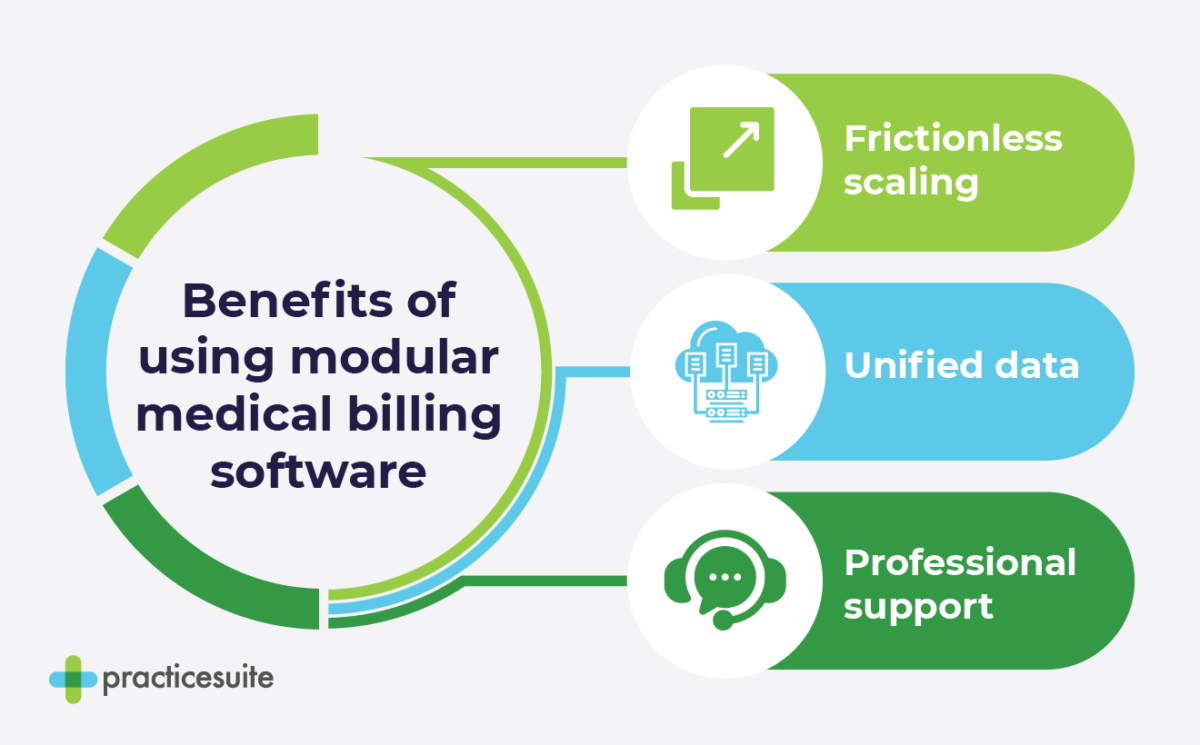
- Frictionless scaling: You can activate EHR or practice management modules as your practice grows, avoiding the need to implement a completely new system.
- Unified data: Keeping your billing and clinical data in a single ecosystem reduces coding errors, which account for approximately 32% of first-submission denials.
- Professional support: Unlike open-source free tools, modular platforms provide access to expert support teams to help you resolve complex claims management issues.
A modular system grows with you. You won’t have to learn a new interface or hire a consultant to move your files, and you can add new features as your practice or the overlying industry changes. Leveraging a modular solution (like PracticeSuite!) is the most cost-effective way to build a practice that lasts.
Additional Resources
PracticeSuite provides an adaptive, cloud-based platform that serves both solo practitioners and large enterprise billing companies. By utilizing a modular approach, your organization can start with a powerful medical billing software module to secure your cash flow without the bloated costs of a legacy system.
Our technology is designed to handle the complexity of modern healthcare reimbursement while maintaining a user-friendly interface for your staff. Whether you are launching a new clinic or looking to recover lost revenue in an established practice, a modular system ensures you never outgrow your tools. You maintain complete control over your financial data while benefiting from the same automation used by top-tier billing organizations.
To learn more about medical billing software, explore the following resources:
- Medical Billing Software for Small Practices: Best for 2026. Explore additional considerations for selecting a medical billing solution for a small practice.
- The Top 10 AI Medical Billing Software Solutions in 2026. Learn more about how artificial intelligence (AI) can augment your medical billing workflows and improve them.
- Top 7 Revenue Cycle Management (RCM) Companies of 2026. Discover RCM companies you can outsource your billing to to further streamline this process.
*The information published on this page is based on independent market research conducted on May 20, 2026. The content presented is intended to be objective, accurate, and reflective of the information available at the time of publication. PracticeSuite makes no representations or warranties regarding the accuracy or completeness of the information presented, which is provided for informational purposes only.
If you identify any inaccuracies, updates, or changes to the information provided, please contact us so we can review and update the content as appropriate.